

Ah, stringing in 3D printing, a phenomenon that can turn even the most seasoned makers into frustrated artists. Imagine setting out to create a masterpiece, only to find your printer has decided to weave a web of filament like a spider on caffeine. Let’s dive deep into the causes behind this pesky issue and, more importantly, how to keep your prints looking sleek and professional. This isn’t just tech talk: it’s about empowering your 3D printing game.
Understanding Stringing in 3D Printing
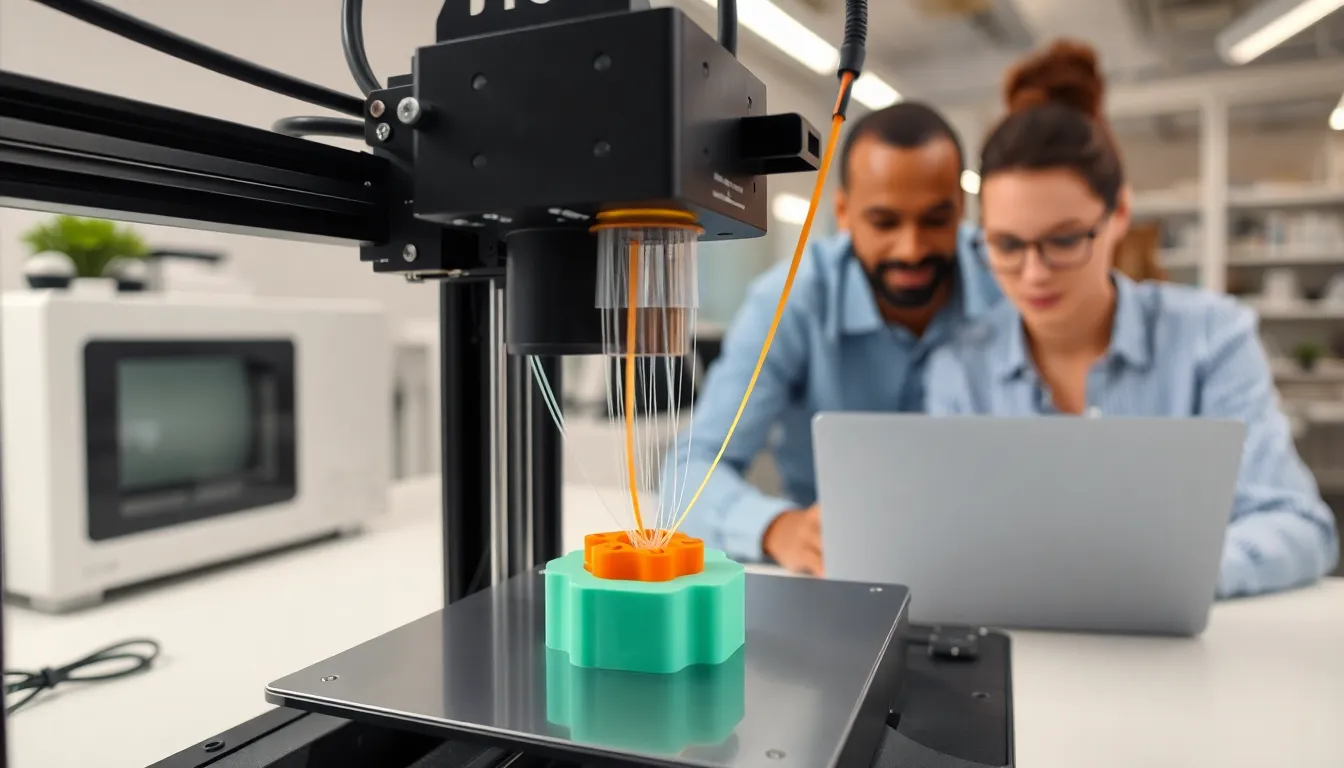
Stringing, also known as oozing, occurs when filament leaks from the nozzle during travel moves, creating fine threads of plastic between different parts of the print. It happens when the nozzle moves across the print area and leaves a trail behind, similar to how a child might accidentally spill paint while trying to reach for more colors.
The Mechanism Behind Stringing
When the nozzle heats the filament, it becomes pliable and ready to extrude. But, when the printer moves without laying down material, the pressurized filament can ooze out, leading to those unwanted strands. It’s akin to squeezing toothpaste too hard: a little pressure results in excess exiting the tube. The moment the hot nozzle passes over an existing layer, that messy stringing rears its ugly head. Understanding this mechanism is crucial for identifying the root causes and solutions.
Common Causes of Stringing
Several factors contribute to stringing in 3D printing. Let’s take a closer look at some of these culprits.
Temperature Issues
One of the primary causes of stringing is temperature. Filament viscosity decreases as the temperature increases, causing it to flow more freely. If the nozzle temperature is too high, excessive material flows, leading to more stringing. Think of it this way: if you’re trying to pour honey in a hurry, you might spill a bit because it’s too runny.
Finding the optimal temperature for the specific filament being used can drastically reduce stringing.
Moisture in the Filament
Filament that absorbs moisture can also lead to stringing. When filament absorbs water, it can expand and create steam during printing. This is similar to how popcorn pops when heated. This steam can cause the filament to ooze uncontrollably, creating those annoying strings. To combat this, it’s essential to store filament in a dry environment or use desiccant packs to keep moisture at bay.
Printing Speed and Retraction Settings
Let’s not overlook the importance of print speeds and retraction settings. Printing too slowly can result in more filament being extruded while the head moves between print areas. On the flip side, if the retraction settings are incorrect, meaning the filament isn’t pulled back sufficiently before a travel move, it can ooze out as the nozzle moves. Adjusting these settings can dramatically improve print quality, much like fine-tuning a musical instrument to achieve the right sound.
Filament Type and Quality
Last but not least, the type and quality of filament matter. Some filaments are more prone to stringing due to their composition. For instance, flexible filaments usually ooze more than rigid ones. Also, lower-quality filaments might contain impurities or inconsistent thicknesses, leading to unpredictable extrusion behavior. It’s advisable to invest in higher-quality filaments from reputable manufacturers to alleviate this issue.
How to Reduce or Prevent Stringing
Now that we’re familiar with the common causes of stringing, let’s discuss how to mitigate or eliminate it altogether.
Adjusting Printer Settings
Tweaking printer settings can make a world of difference. Start with the temperature settings: gradually lower the nozzle temperature by about 5–10 degrees Celsius until you see improvements. Next, consider your retraction settings, this may involve increasing the distance the filament is pulled back or the speed at which this happens. Each printer is unique, so experimentation is key here.
Filament Storage and Handling
Proper filament storage is essential to prevent moisture absorption. Use airtight containers with desiccant packets to keep filaments dry. It’s akin to keeping your snacks in vacuum-sealed bags, no one wants stale chips. Also, allow the filament to acclimate to room temperature before printing, as condensation can form when bringing cold filament into a warm environment.
Performing Test Prints
Before you produce the big project, conduct test prints to assess stringing issues. Techniques like printing a retraction test, a small model with multiple travel moves, can help pinpoint issues without wasting materials. This proactive step provides valuable insights, allowing for fine-tuning of settings before tackling larger prints. Plus, who doesn’t love an excuse for more prints?


